













SeaBank Maximizes Customer Service with Qiscus Omnichannel Chat
Drisa Hajar
CSS Team leader of SeaBank
QCRM turns your team's conversations into leads you can assign and deals you can track by stage and amount — so an account can change hands with the deal and the next step intact.
One click turns a live customer chat into a tracked lead
Give every lead an owner, and every deal a stage and an amount
The customer's details carry over from the chat, not from memory


Sophie Laurent
Hi! Do you have office chairs in stock? I need about 20 for our new office.
Yes we do! I'll get a quote ready for 20 office chairs for you.

Sophie Laurent
LeadAssigned To

Anna
Office Chairs (20 units)
Trusted by Thousands of Reputable Companies
Whether you're moving off spreadsheets or replacing a CRM nobody updates, the pipeline is built from conversations your team is already having — so there's less to set up, and far less to keep up.
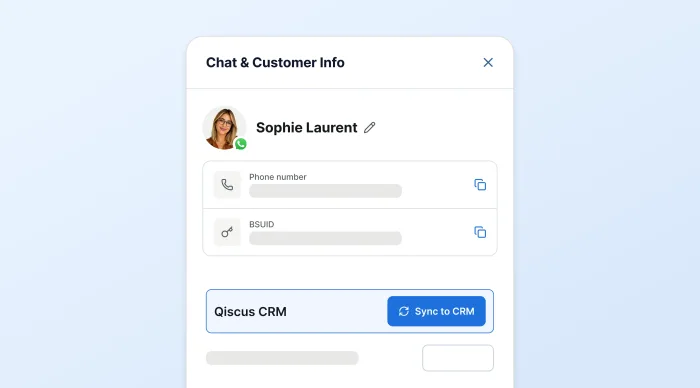
One click on a live customer chat — Sync to CRM — creates a Lead, a Contact, or a Contact with an Opportunity attached. The record starts where the conversation did, so keeping the pipeline current stops being a second job nobody has time for.
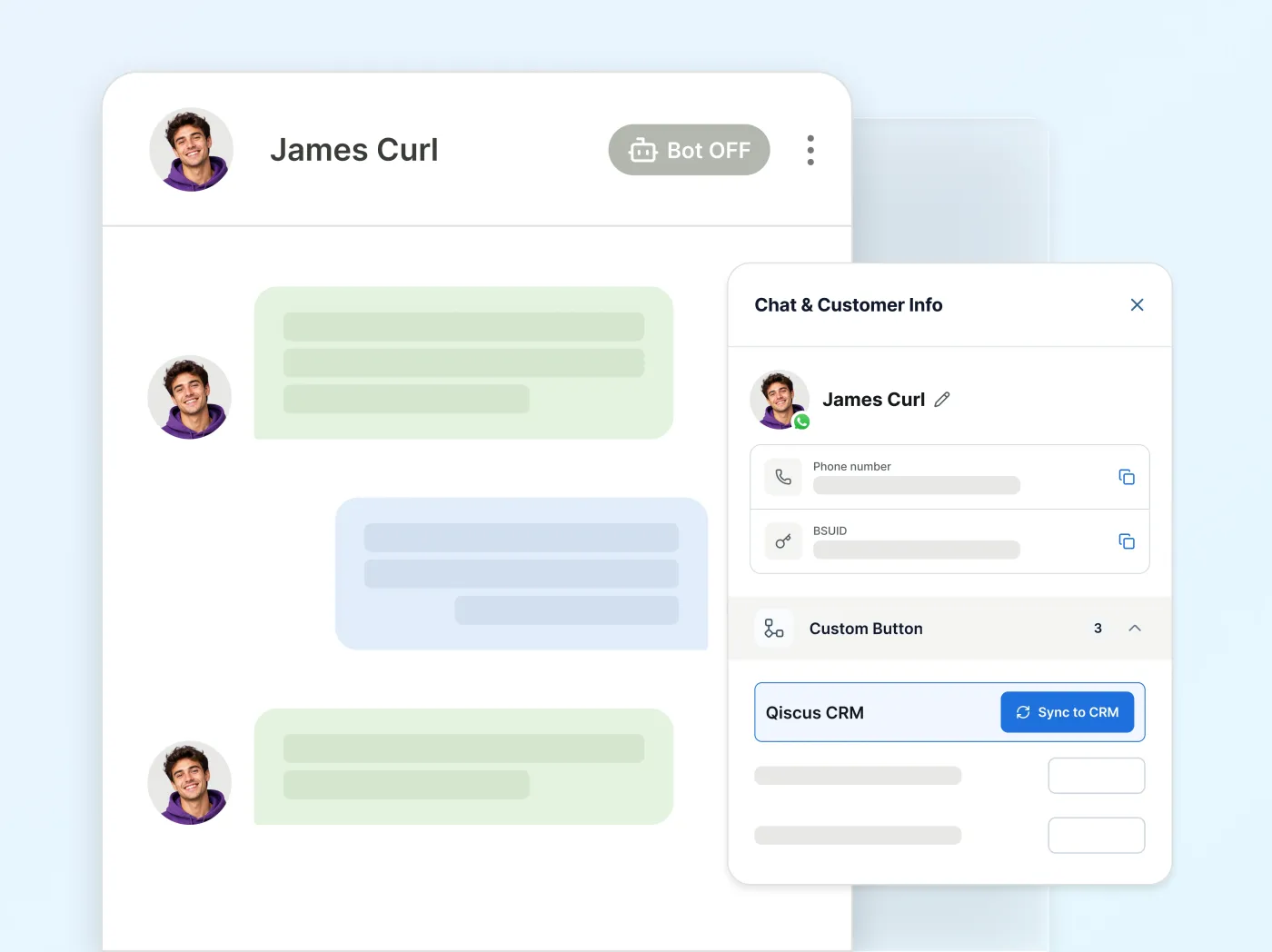
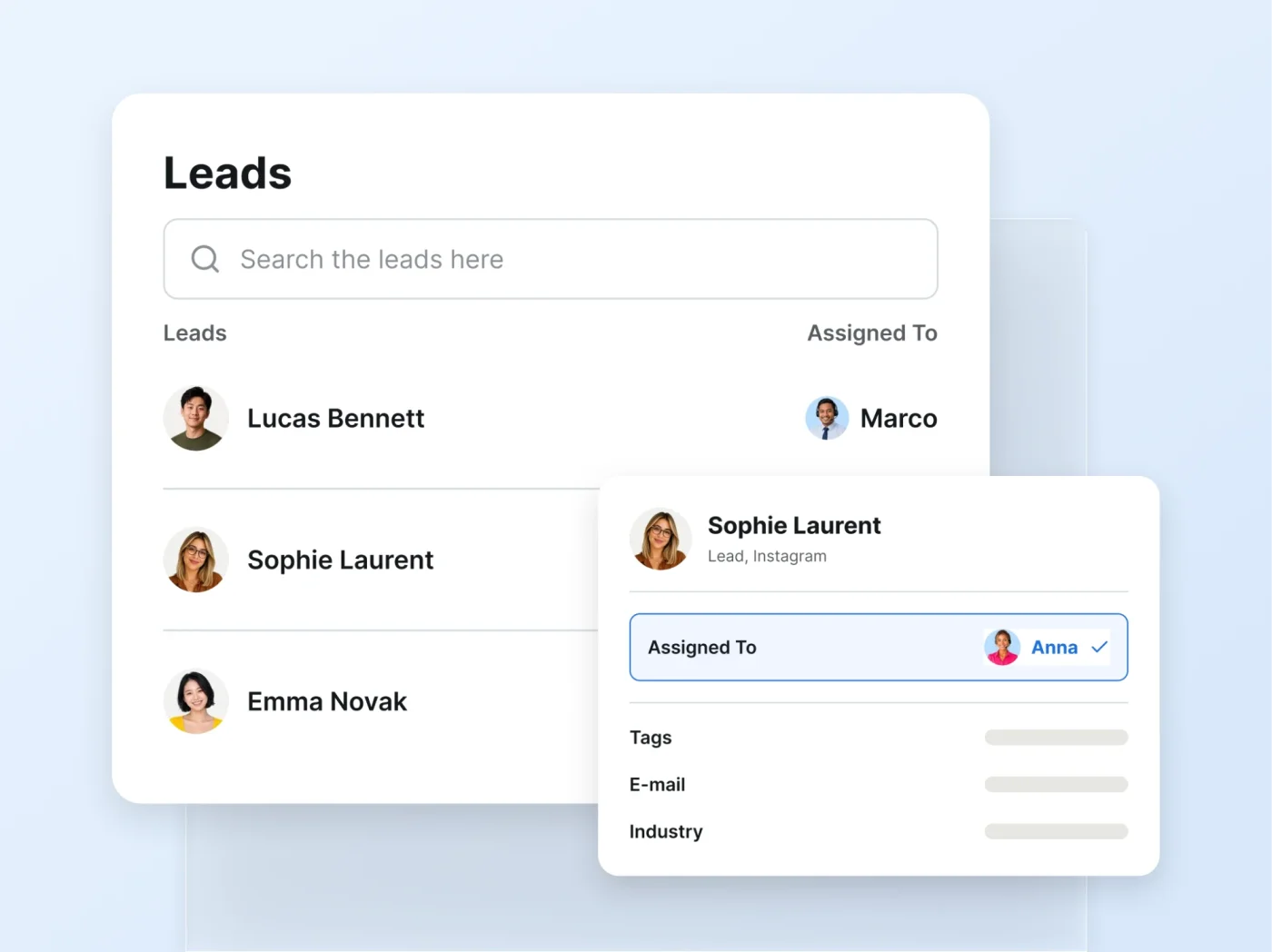
Assign a lead the moment it lands, then follow it through Leads, Contacts, Accounts and Opportunities. Nothing sits in a shared inbox with everyone assuming someone else has it.
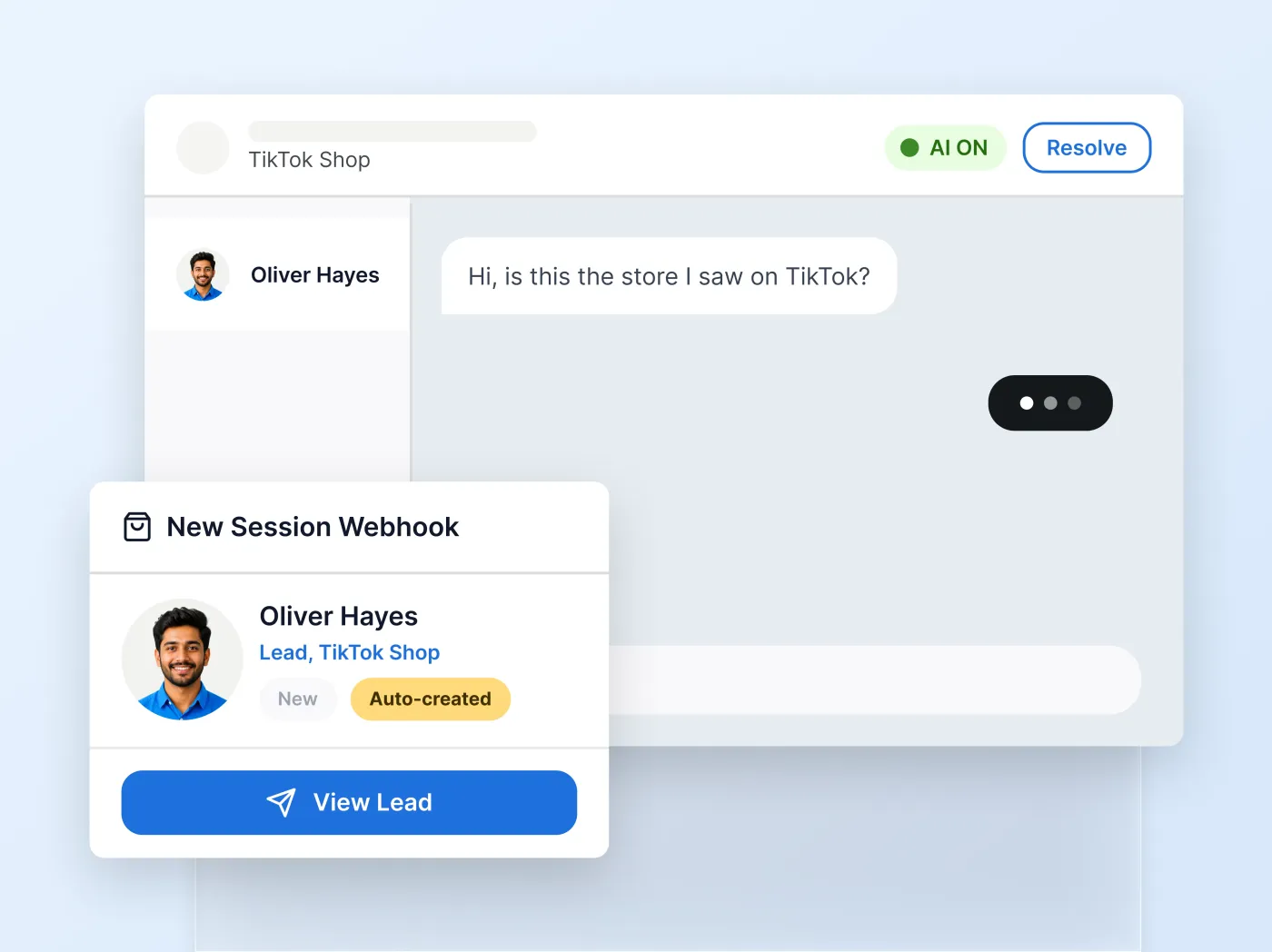
Switch on the New Session Webhook and a brand-new customer conversation can create a Lead or a Contact on its own — the record exists before an agent has typed a word.
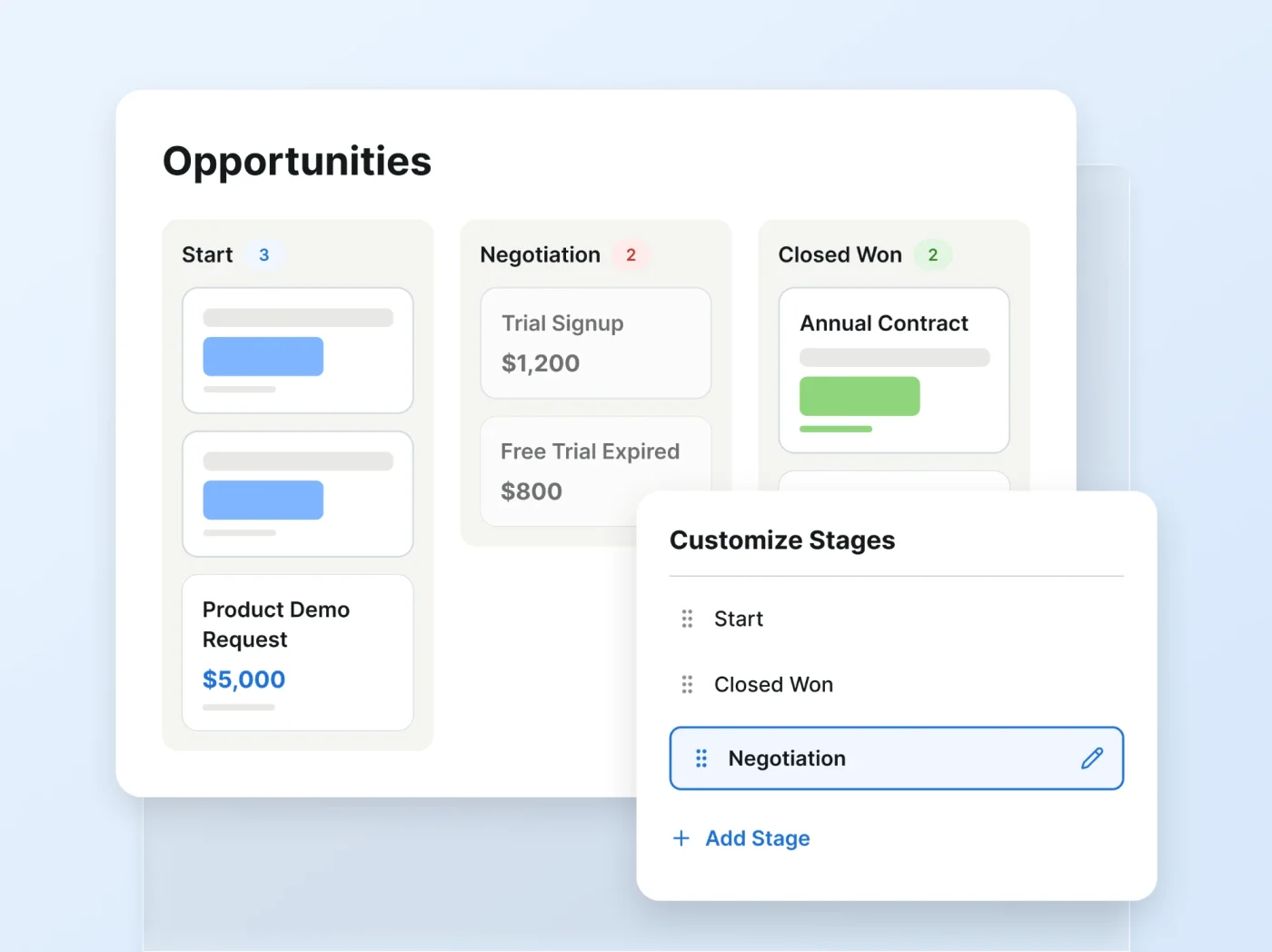
You don't need a finished sales process to start. Start, Closed Won, Closed Lost and Other give you a working spine on day one; add, rename and reorder the stages in between as your process settles.
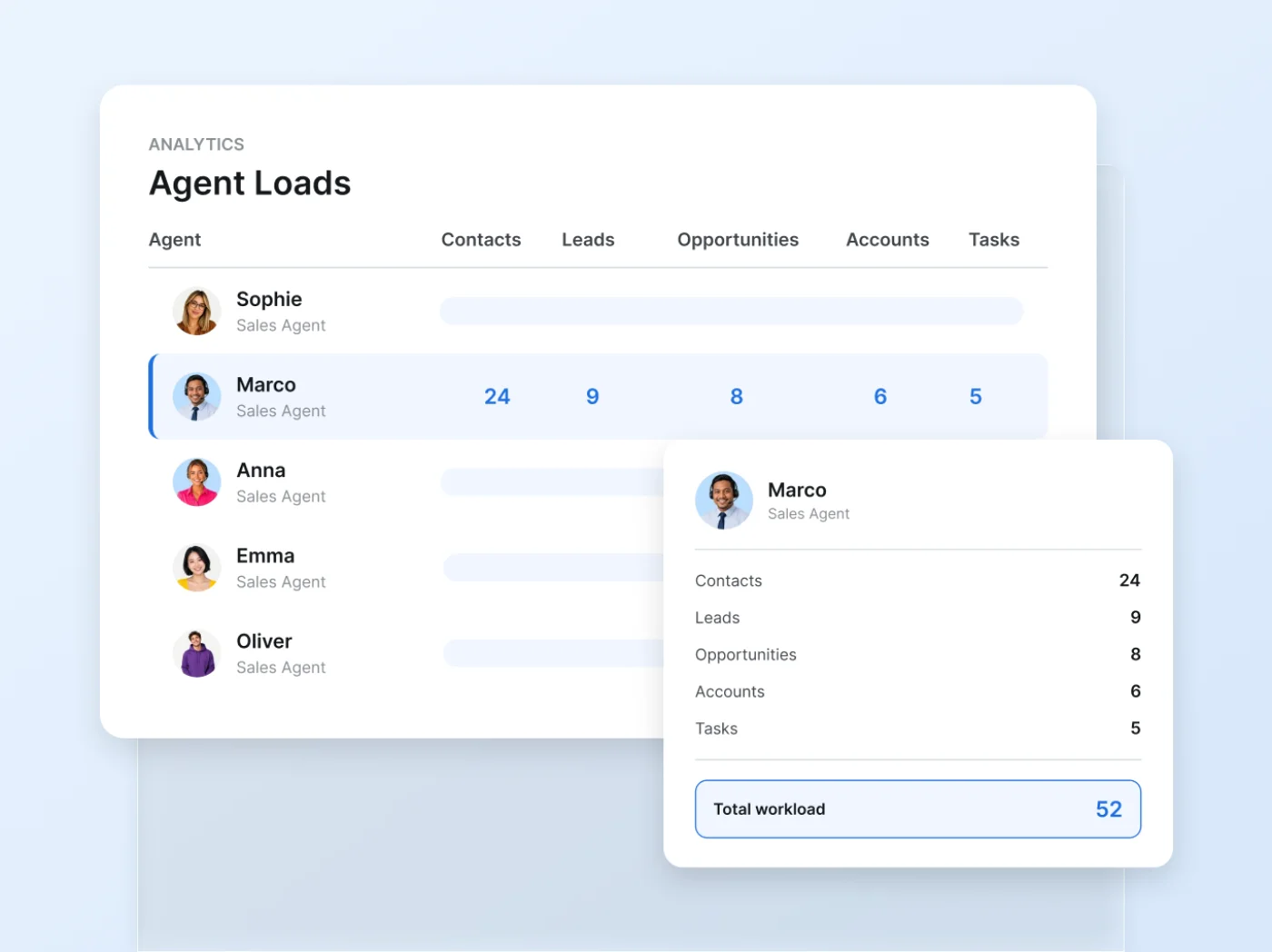
Agent Loads shows leads, contacts, opportunities and tasks per team member on a single report — the workload view a shared inbox was never built to give you.
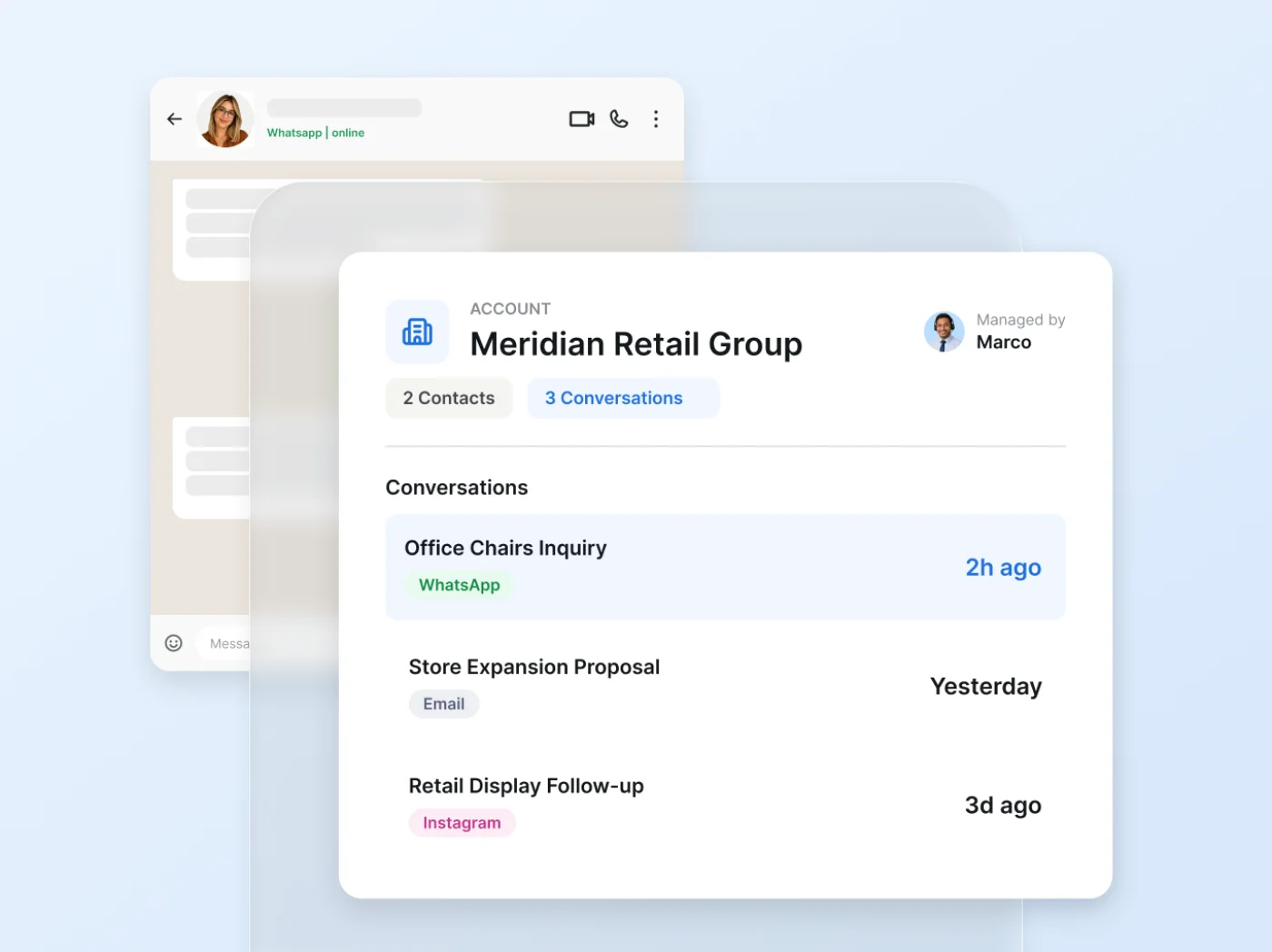
Opportunities roll up to the Account behind them. Attach Products with units and discounts and the deal amount recalculates itself — so the figure on the deal reflects what's actually in it.


Hi! Do you have office chairs in stock? I need about 20 for our new office.
Yes we do! I'll get a quote ready for 20 office chairs for you.

A chat becomes a Lead.
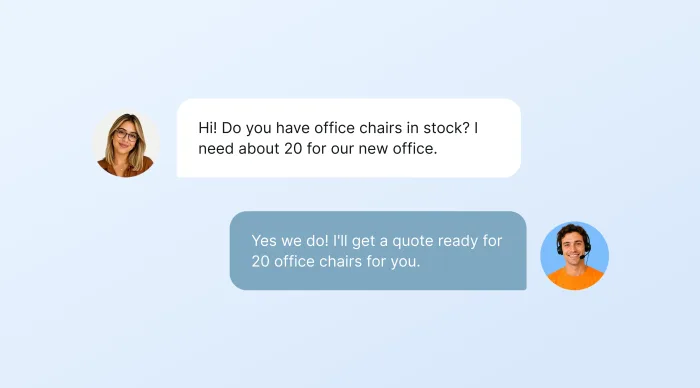
A chat becomes a Lead.
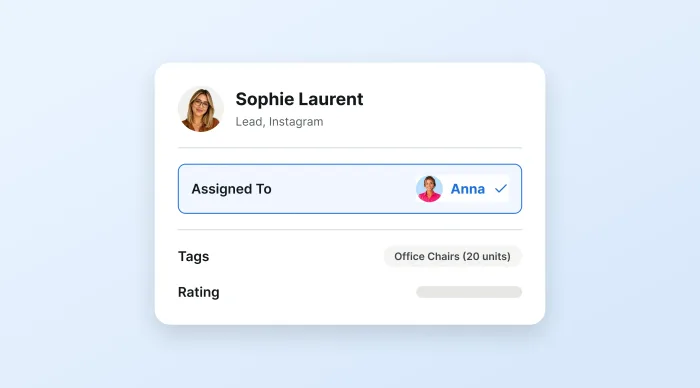
The Lead gets an owner.
Contact created, linked to an Account.
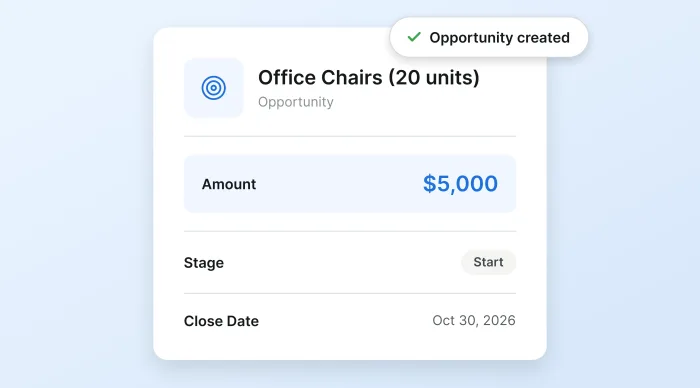
An Opportunity opens — amount, stage, close date.
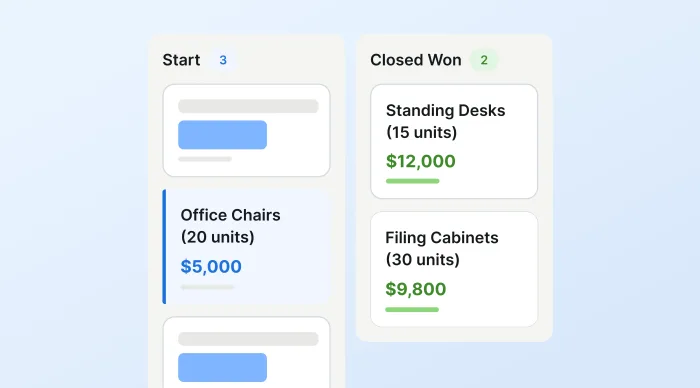
Your stages carry it to Closed Won.
QCRM makes your company the owner of record. The account, the deal, the amount and the next step live in one system — one that outlasts whoever happens to be working it.
So a handover becomes a change of assignment rather than a rescue. And the account your team spent three years building is still your account when the person who built it moves on.
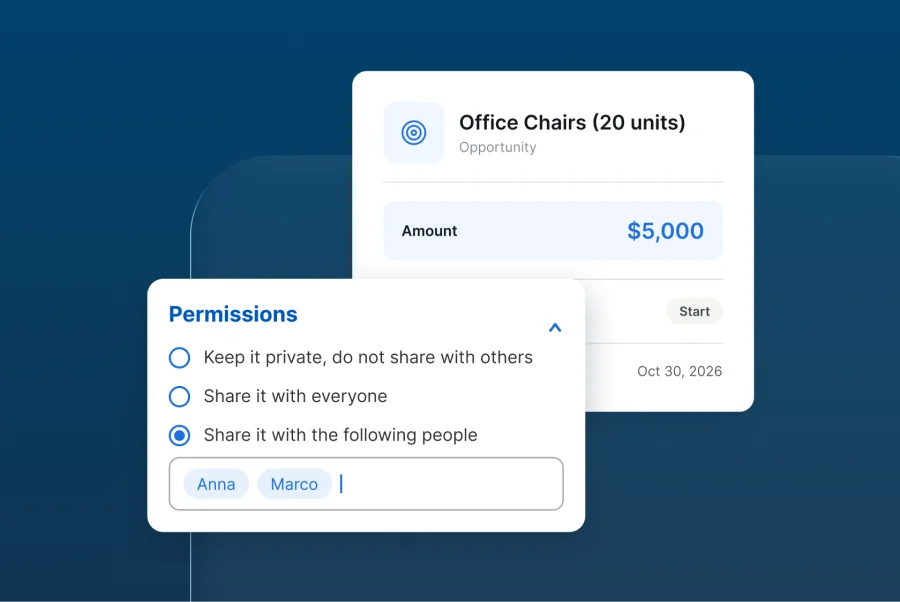
Every record — Lead, Contact, Account, Opportunity, Task, Campaign — can be kept private, shared with everyone, or shared with named people and groups. Set per record, not per job title.
Build Custom Fields into field groups across Leads, Contacts, Accounts, Opportunities and Campaigns, with required-field enforcement so nothing critical gets skipped — and a new field appears on the record the moment it's saved. No redeploy, no ticket, no wait.
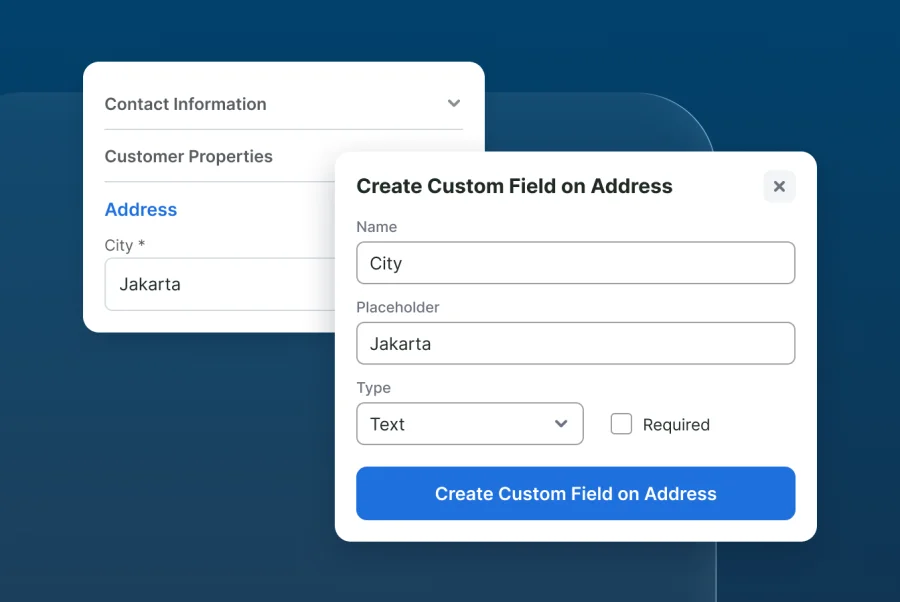
Sync to CRM turns a live customer conversation into a QCRM record in one click — from WhatsApp, Instagram, LINE, Tokopedia, Shopee and the other channels in your Qiscus inbox. The two systems share the same customer data, so the customer's details carry over instead of being typed again.
Qiscus is an official Meta Business Solution Provider, so the WhatsApp conversations feeding your Leads and Contacts run on the official API — the same channel your customers already message you on, and the same source your pipeline is built from.
When a Lead, Contact, Account or Opportunity is created, a webhook pushes it out to the systems your team already runs. The public API is documented in a Postman collection for what you want to build on top.
Connect a Google Sheet once — through your own Google service account — then switch on Auto Sync (Daily). Leads, accounts and opportunities refresh there every day, ready for your BI stack.
We'll build the walkthrough around your team's actual deals — not a generic demo script. Fill in the form and our team will show you how QCRM works for your business.
We'll build the walkthrough around your team's actual deals — not a generic demo script. Fill in the form and our team will show you how QCRM works for your business.

Discover the success stories of companies that have leveraged Qiscus to achieve their business goals. Gain insights into how our solutions have helped businesses streamline their customer service, enhance communication, and drive growth.
Find Out More
SeaBank Maximizes Customer Service with Qiscus Omnichannel Chat
Drisa Hajar
CSS Team leader of SeaBank
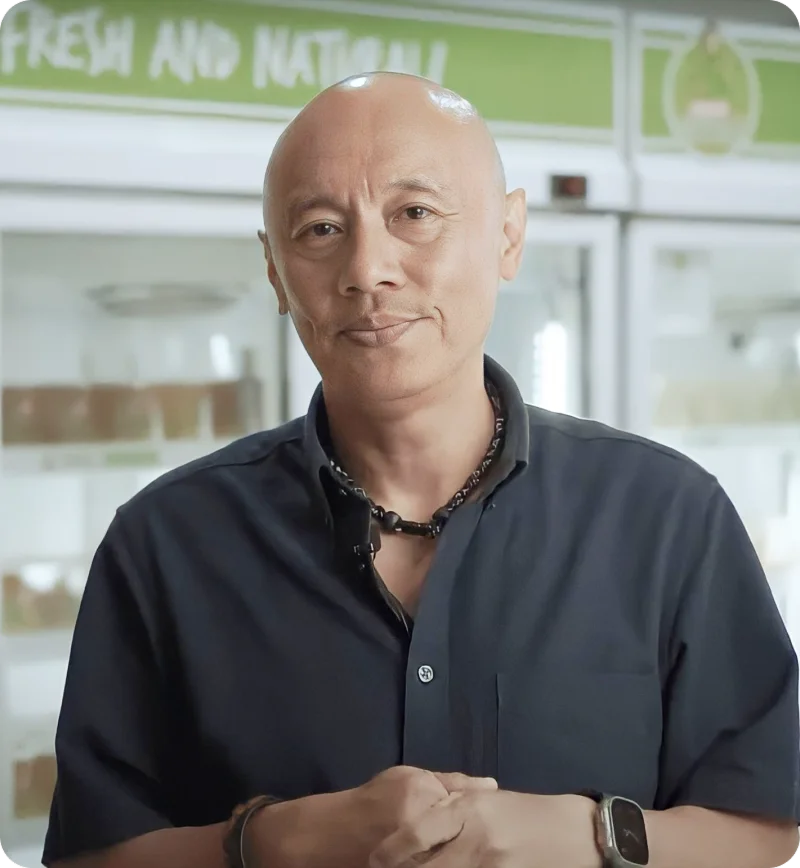
Madame Chang's Success in Providing 24/7 Nonstop Customer Service
Rudy Papa Chang
Founder Madame Chang
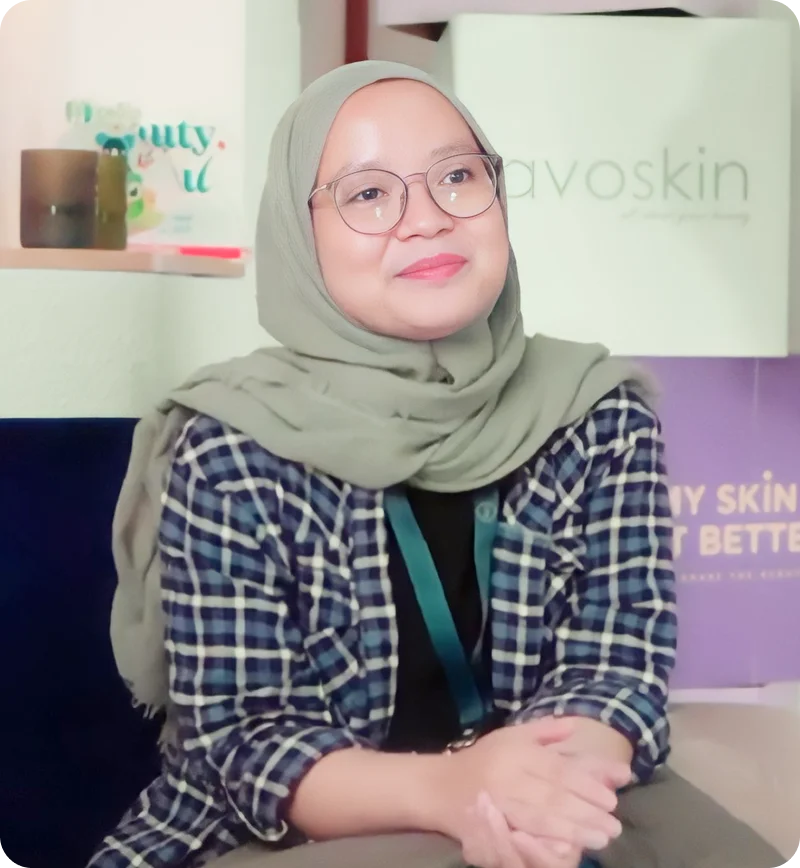
Over 1000 Inquiries on Instagram: How Does Avoskin Manage?
Robiatun Awaliyah
Customer Service Lead of Avoskin


QCRM is Qiscus's sales CRM: Leads, Contacts, Accounts, Opportunities and Tasks, connected to the customer conversations your team already has. A live chat becomes a tracked record in one click, and the deal moves through stages you define to Closed Won.
Yes. Add, rename and reorder stages freely. Start, Closed Won, Closed Lost and Other stay in place, so your reporting doesn't break when the process changes.
Every record can be kept private, shared with everyone, or shared with specific people and groups — set per record, across Leads, Contacts, Accounts, Opportunities, Tasks and Campaigns. Roles are Admin and Agent.
Yes. A webhook fires when a Lead, Contact, Account or Opportunity is created, so a connected system picks it up without anyone re-keying. A public API is documented in a Postman collection for what you want to build on top.
Qiscus is ISO 27001-certified and Komdigi-registered, and customer data is handled under international information-security standards.
Pricing scales with the size of your team and the Qiscus products you run alongside it. Talk to our team and we'll put together a quote built around your setup.
A rep has one new habit to learn: a single click — Sync to CRM — on a conversation they are already having. Stages, fields and sharing rules are configured once by an admin, not by every rep.